
Social posts
Protect bystanders and children before posting a photo, Reel or short video.
VEIL · PRIVATE FACE & PLATE BLUR
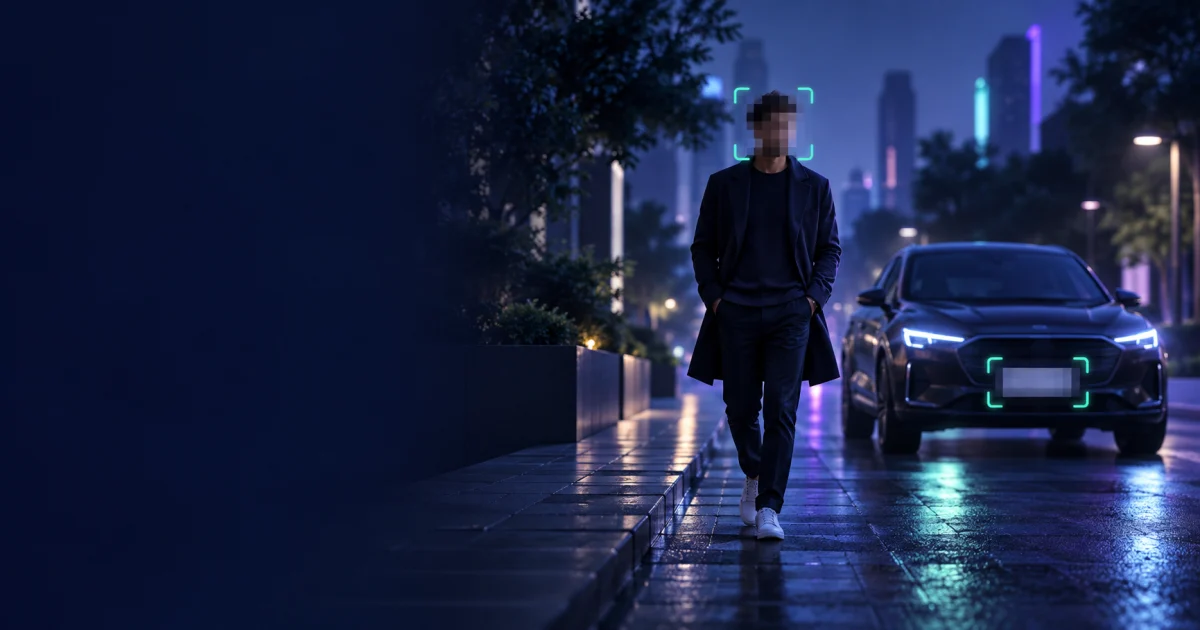
Automatically find faces and vehicle number plates, choose exactly who stays visible, and download a share-ready result—without uploading your file.
Private processing happens on this deviceNo editing experience is needed. Veil makes the first pass automatically and leaves the final privacy check in your hands.
Quick enough for one photo, capable enough for moving faces and plates in video.
Protect bystanders and children before posting a photo, Reel or short video.
Hide number plates, house numbers and personal details in vehicle photos.
Anonymise people who have not consented to appear in shared media.
Redact identifying details while retaining useful visual context.
Most online face-blurring tools send your image or video to a remote server. Veil takes a different approach: the detection models and editor run locally in your web browser. Your source file stays on your computer or phone, which is especially useful for family photos, workplace footage and other sensitive media. There is no software to install and no account is required for photos or short videos.
Veil can automatically identify faces and vehicle number plates, but privacy should never depend on automation alone. You can inspect each match, keep selected faces visible, adjust the detection sensitivity and draw a custom rectangle or oval over anything else—such as a name badge, street number or document. Always review the full result before sharing it. Read the privacy and detection disclaimer for important limitations.
Yes. Photos and videos up to 1 minute are free with no sign-up. Sign in for free to process longer videos.
No. Faces and number plates are found by AI models that run in your browser, on your own device. Your files never leave it.
No. It works in a modern web browser on a computer or phone. The detection models download once the first time (about 20 MB) and are then saved.
Yes. Switch any face off in the list to keep it visible (your own, for example), or choose “Only who I pick” and switch on just the faces you want hidden. Drag on the picture to hide anything else, like a house number or a name badge.
Yes. Choose from blur, frosted glass, mosaic, any solid colour, emoji stickers, or upload your own image or logo to cover faces.
Veil scans the whole video and follows each face and plate as it moves. Fast motion, tiny faces or people turning away can still slip through, so check the preview at a few moments before you download.
It catches most faces and plates, but tiny, side-on or covered ones can be missed. Always check the result and add boxes by hand before sharing.
Choose a photo or video, let Veil find the faces, select who should be hidden, pick a blur style and download the result. Photos and videos up to 1 minute work without an account.
Yes. Keep “Number plates” selected and Veil will look for vehicle plates automatically. If a plate is missed, drag a privacy area over it before downloading.
Veil finds faces and plates with AI models that run in your browser. To start, your browser downloads the free models and software from Hugging Face and jsDelivr, but your photos and videos are never sent to ANTB or anyone else.